


Slim Voice Annunciator
BSV
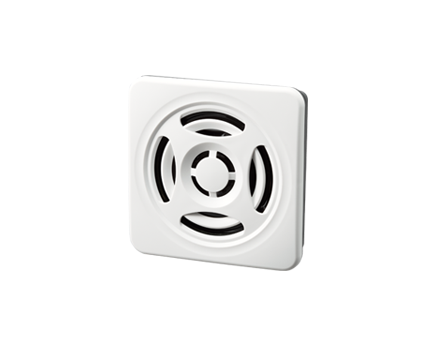
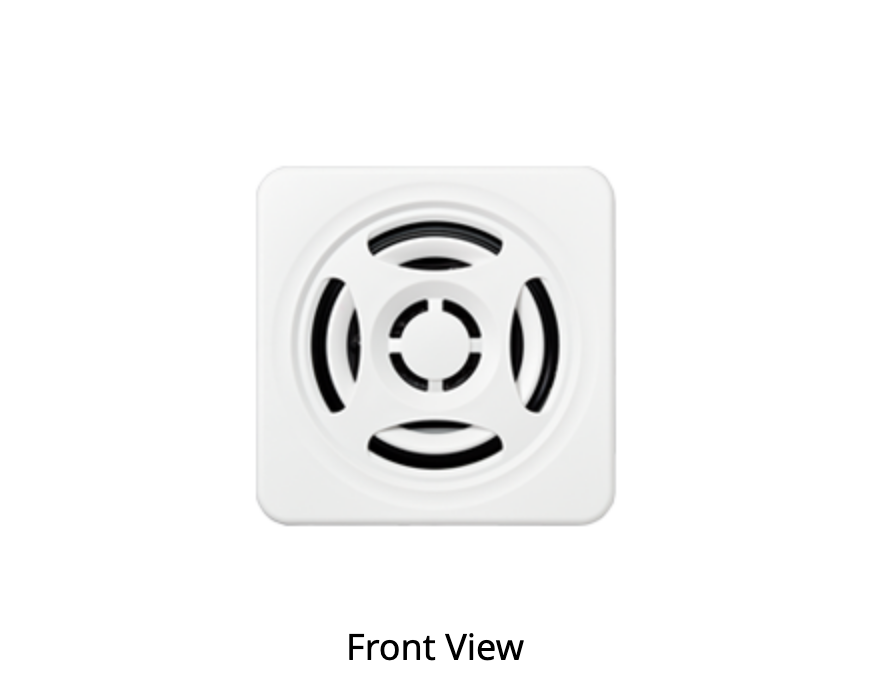
Slim Voice Annunciator with two mounting options: panel mounting and surface mounting.
19.9 mm deep, with output up to 103 dB. Use USB Type-C and PATLITE Audio Builder to freely configure up to 15 tracks of messages, alarms, and melodies.
- I/O Control
- USB (Bus power)
- □75
- MP3 Annunciator
- Alarm
- Melody
- Voice
- 99dB (Panel Mount)
- 103dB (Surface Mount)
- Outdoor (Panel Mount)
- Indoor
- IP54 (Panel Mount)
- IP20 (Surface Mount)
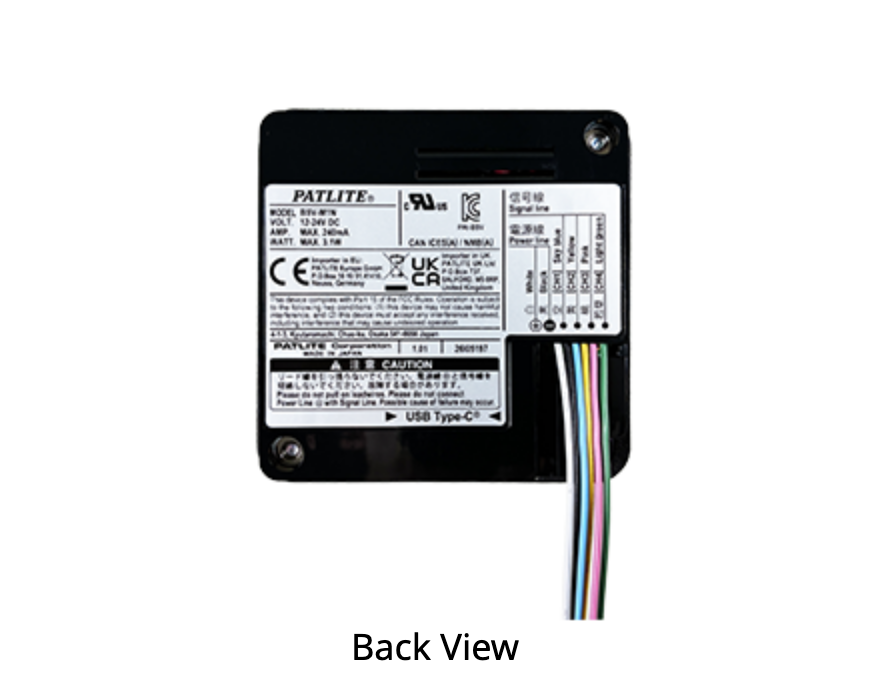
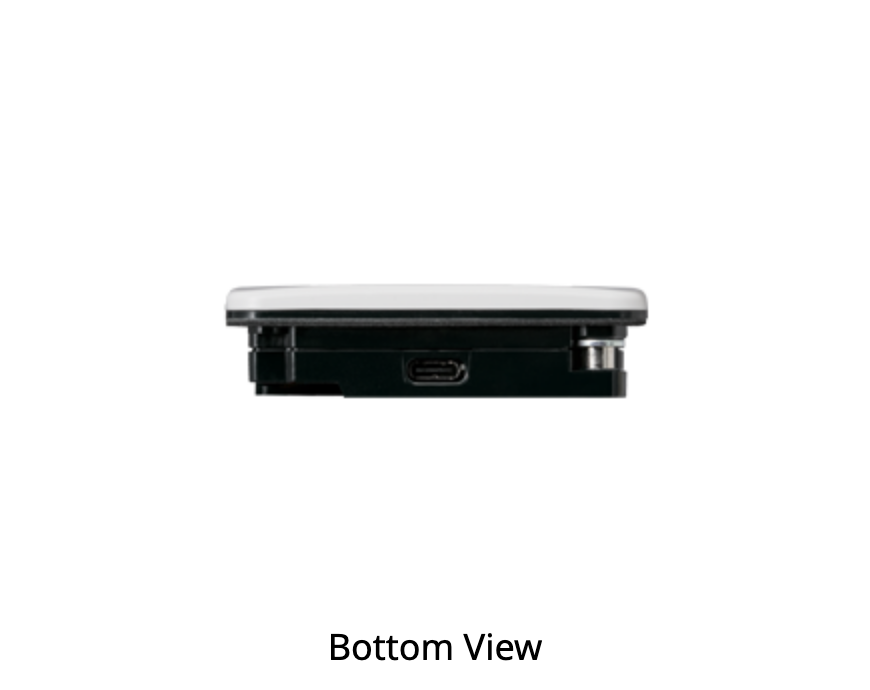
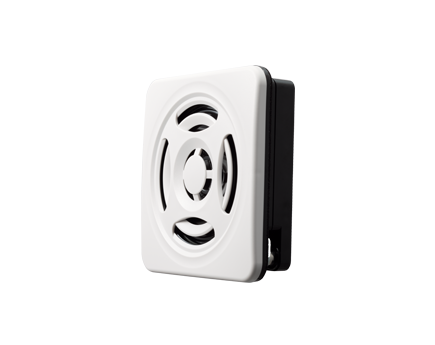
Product Features
Key Features
Space-saving slim design with a depth of 19.9 mm
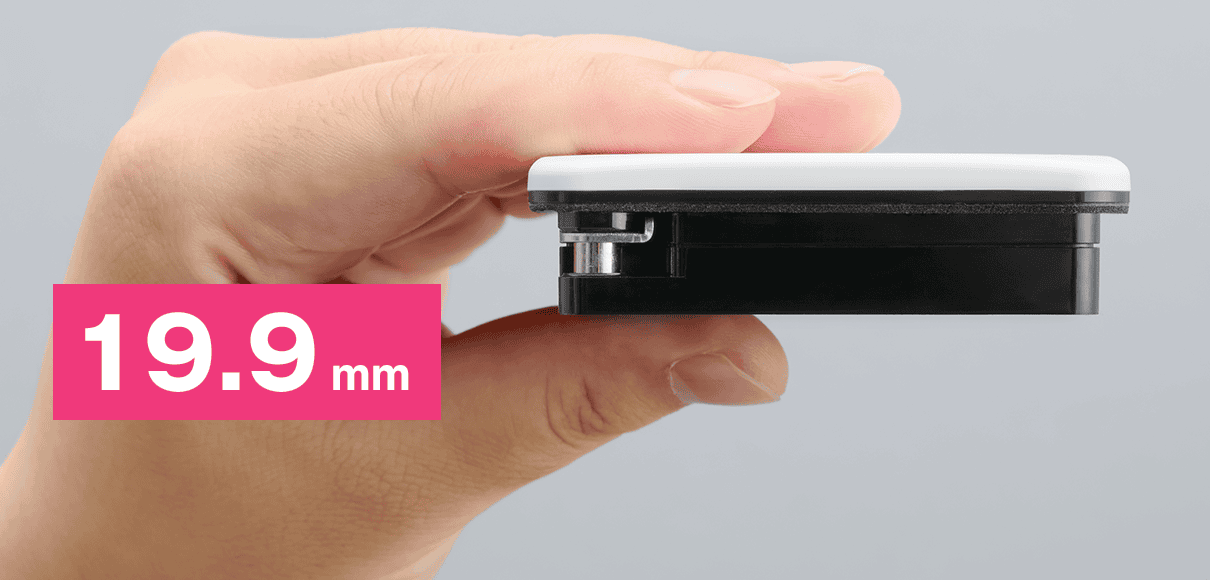
With a depth of just 19.9 mm, this compact design delivers high-volume audible alerts. It fits easily into limited space on control panels or walls.
Two mounting options to suit your installation and high-volume output up to 103 dB
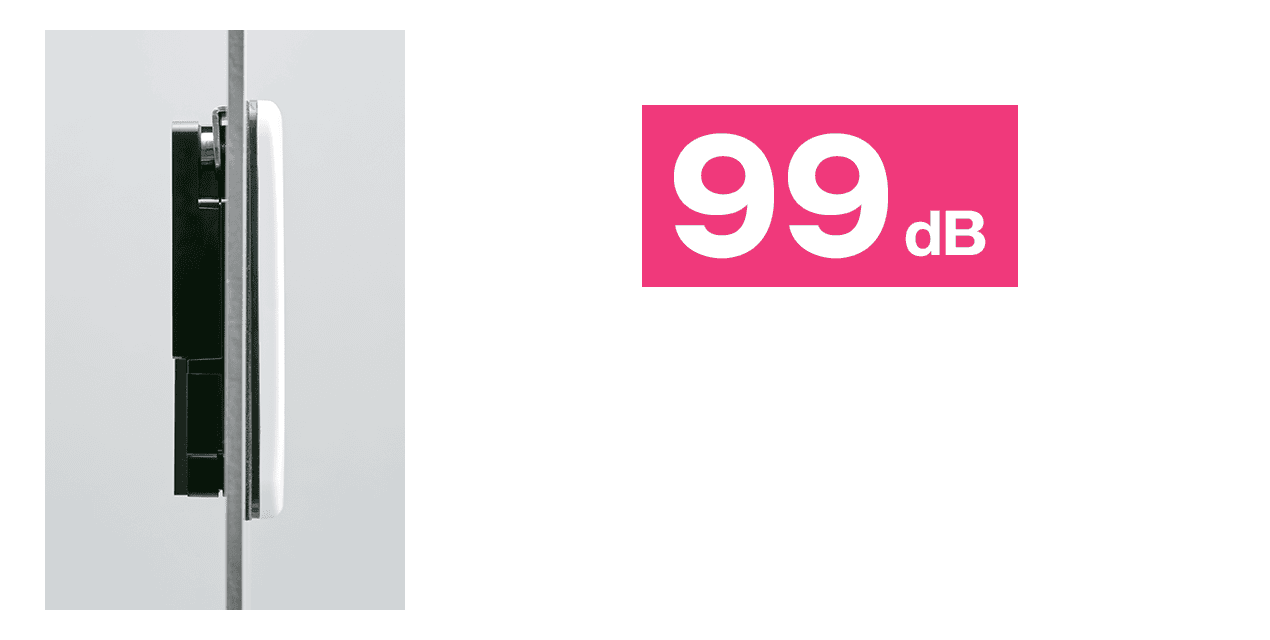
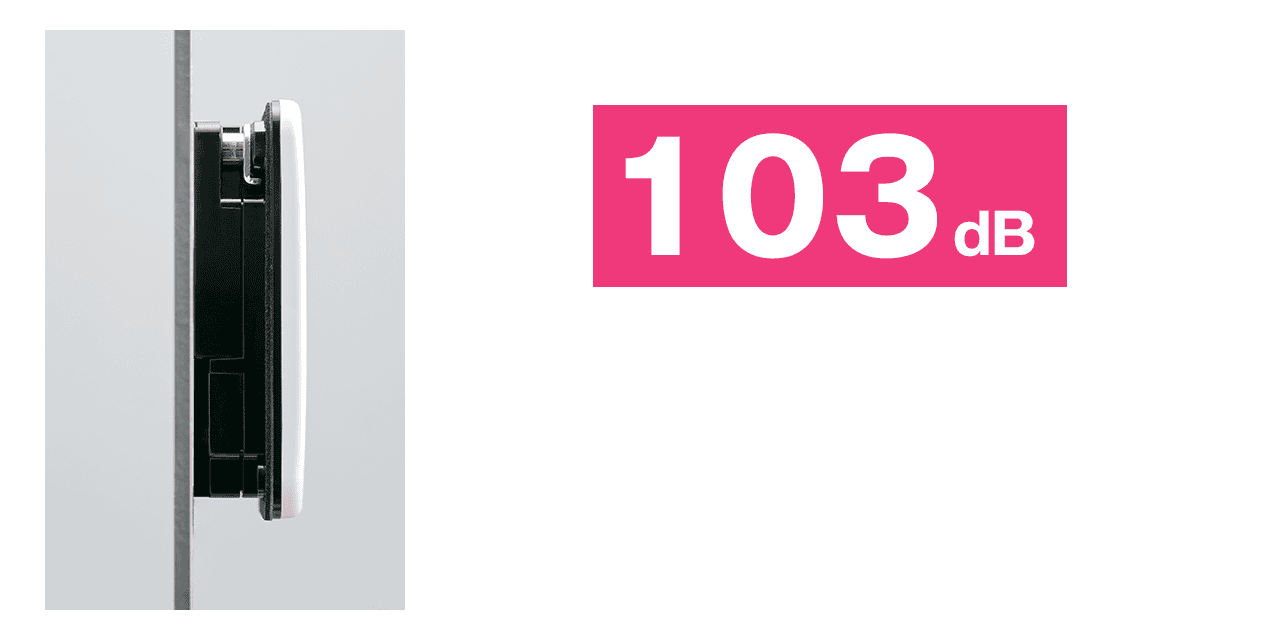
Supports panel mounting and surface mounting, with sound pressure levels of 99 dB and 103 dB*1 , respectively. The ingress protection rating is IP54 for panel mounting and IP20 for surface mounting. Panel mounting also allows outdoor installation*2 . The unit can be mounted upright, sideways, or inverted.
Panel Mount
Surface Mount
Front-access mounting and volume control eliminate work behind the panel
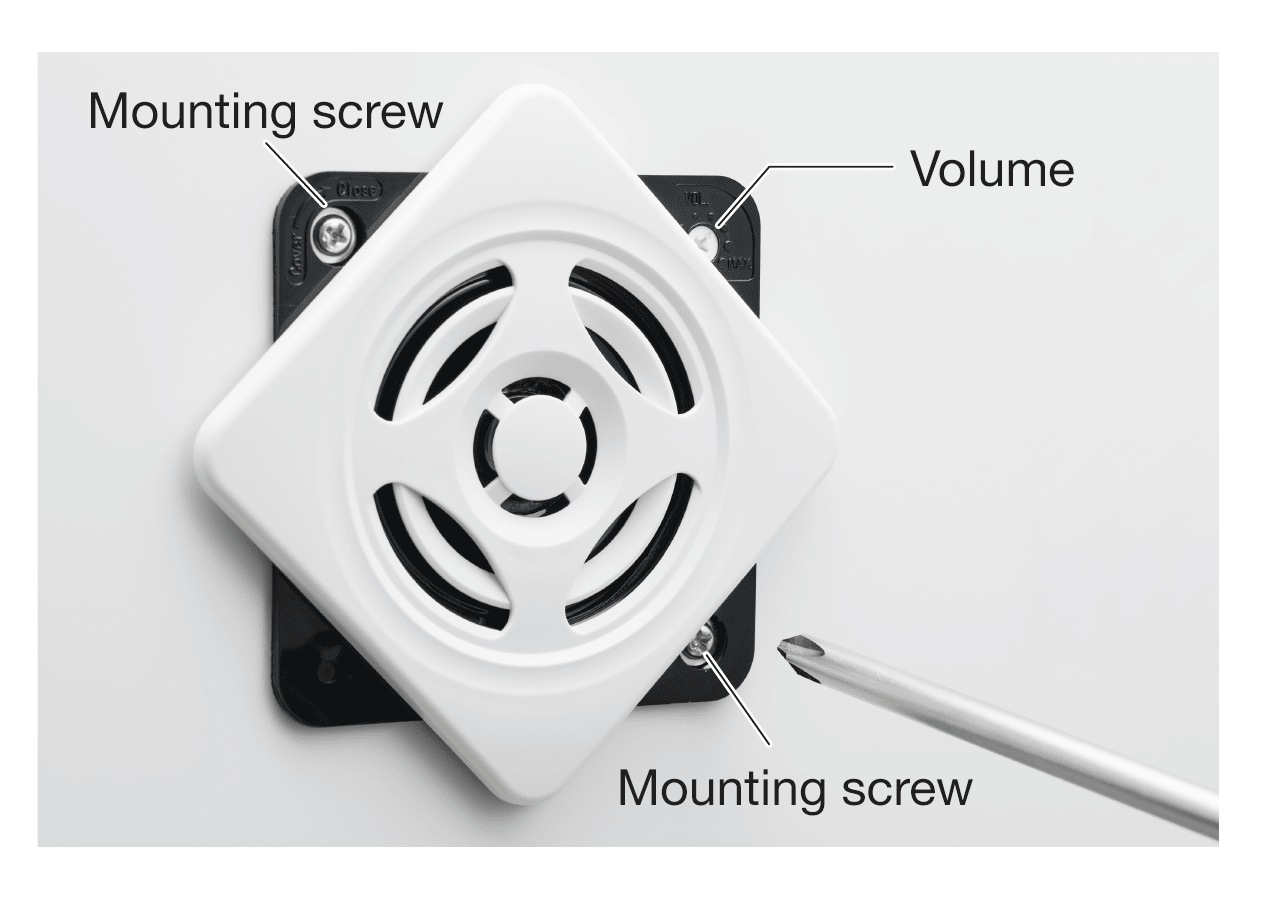
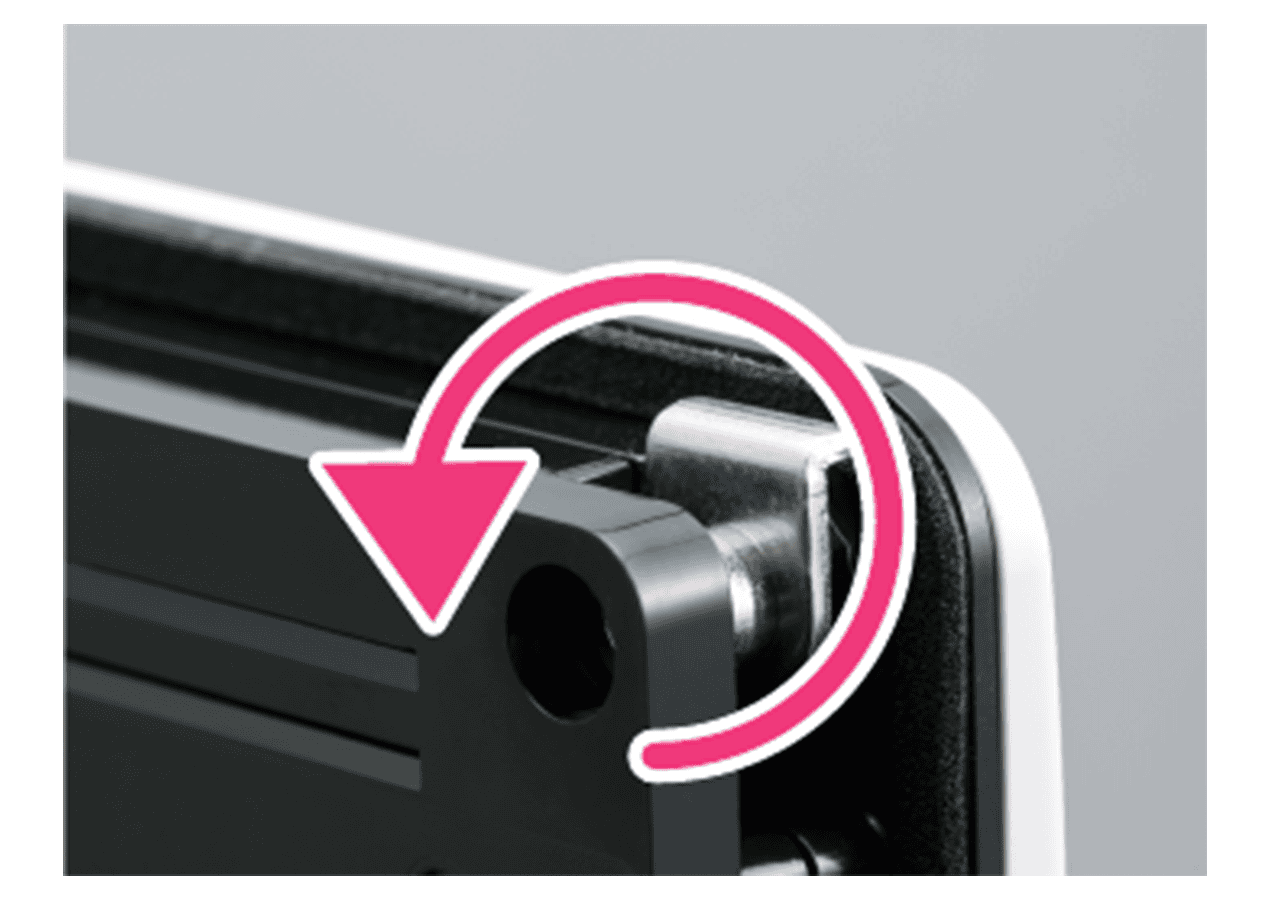
Both mounting and volume adjustment can be performed from the front. Simply tighten the mounting screws to lock the unit in place, with no need to access the back of the panel. Mounting dimensions are □68 mm, with a supported plate thickness of 1–3.5 mm*3 .
Front-access mounting and volume control
Tighten the screws to lock in place
70 m/s² vibration resistance supports stable operation amid vibration and electromagnetic interference
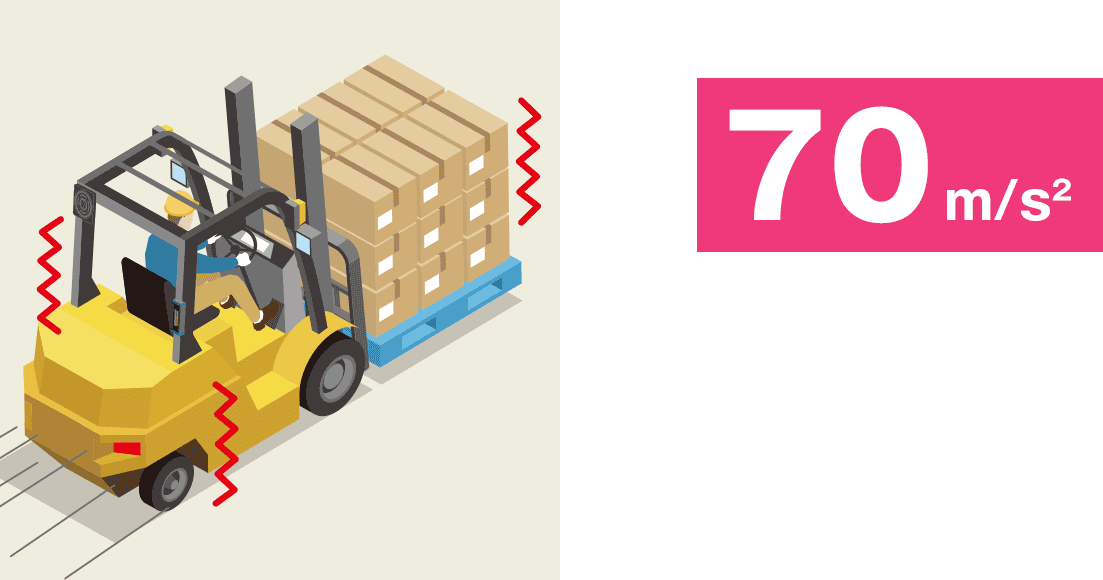
Offers vibration resistance of 70 m/s² and complies with EN12895, the EMC standard for industrial trucks*4 . Operates reliably in environments with vibration and electromagnetic interference, such as around forklifts and automated guided vehicles (AGVs)*5 .
Alert with Alarms, Inform with Messages
Preset alarm playback: 4 sounds with bit input or 15 with binary input
Switch the CH input mode to select 4 sounds with bit input or 15 sounds with binary input. The factory default is 4-sound playback with bit input. To use 15 sounds, set the CH input mode to binary input.
Program up to 15 tracks of custom messages, alarms, and melodies
Configure up to 15 tracks freely. Multiple audio clips can be arranged on a single track, allowing combinations such as alarms followed by messages or the same message played consecutively in multiple languages.
The factory default tracks are listed below*6 .
| No. | Track | Binary Input | |||
|---|---|---|---|---|---|
| CH1 | CH2 | CH3 | CH4 | ||
| 01 | Chime | ✔︎ | - | - | - |
| 02 | Beep | - | ✔︎ | - | - |
| 03 | Stutter | ✔︎ | ✔︎ | - | - |
| 04 | Bell | - | - | ✔︎ | - |
| 05 | Yelp | ✔︎ | - | ✔︎ | - |
| 06 | Rapid Hi-Low | - | ✔︎ | ✔︎ | - |
| 07 | Melody Chime | ✔︎ | ✔︎ | ✔︎ | - |
| 08 | Synthesized Piano | - | - | - | ✔︎ |
| 09 | Synthesized Bell | ✔︎ | - | - | ✔︎ |
| 10 | Stutter + Bell | - | ✔︎ | - | ✔︎ |
| 11 | Sweep Sound | ✔︎ | ✔︎ | - | ✔︎ |
| 12 | Call Sign | - | - | ✔︎ | ✔︎ |
| 13 | Inverted Reveille | ✔︎ | - | ✔︎ | ✔︎ |
| 14 | Galactic Motor | - | ✔︎ | ✔︎ | ✔︎ |
| 15 | Two Tone | ✔︎ | ✔︎ | ✔︎ | ✔︎ |
Create messages in the language of your workplace with PATLITE Audio Builder
Use the dedicated PATLITE Audio Builder software to create original messages for your installation environment and freely replace the factory default tracks. Reduce the effort and cost of registering audio while configuring combined alarm and message playback, including multilingual playback*7 .
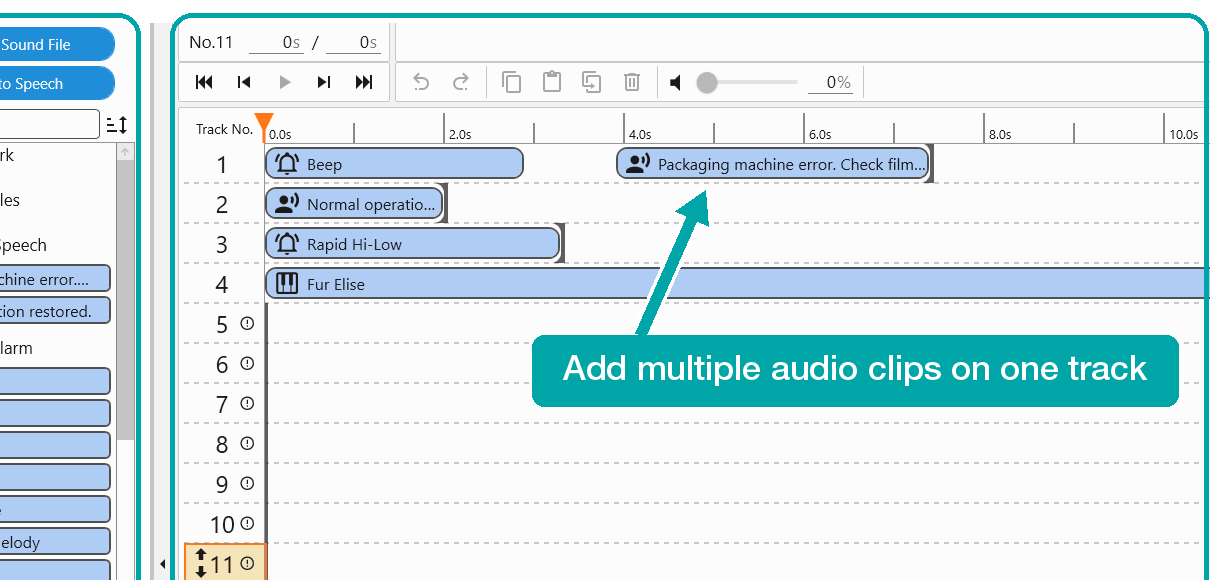
- Audio File Selection: Use your own MP3 and WAV files.
- Text to Speech Conversion: Create your own messages using TTS (Text to Speech).
- Preset Alarm / Preset Melody: Choose from 35 built-in alarms and 56 melodies to customize your alerts.
- Device Setting: Connect the product to a PC for easy configuration and sample playback.
Replace audio using a USB Type-C connection
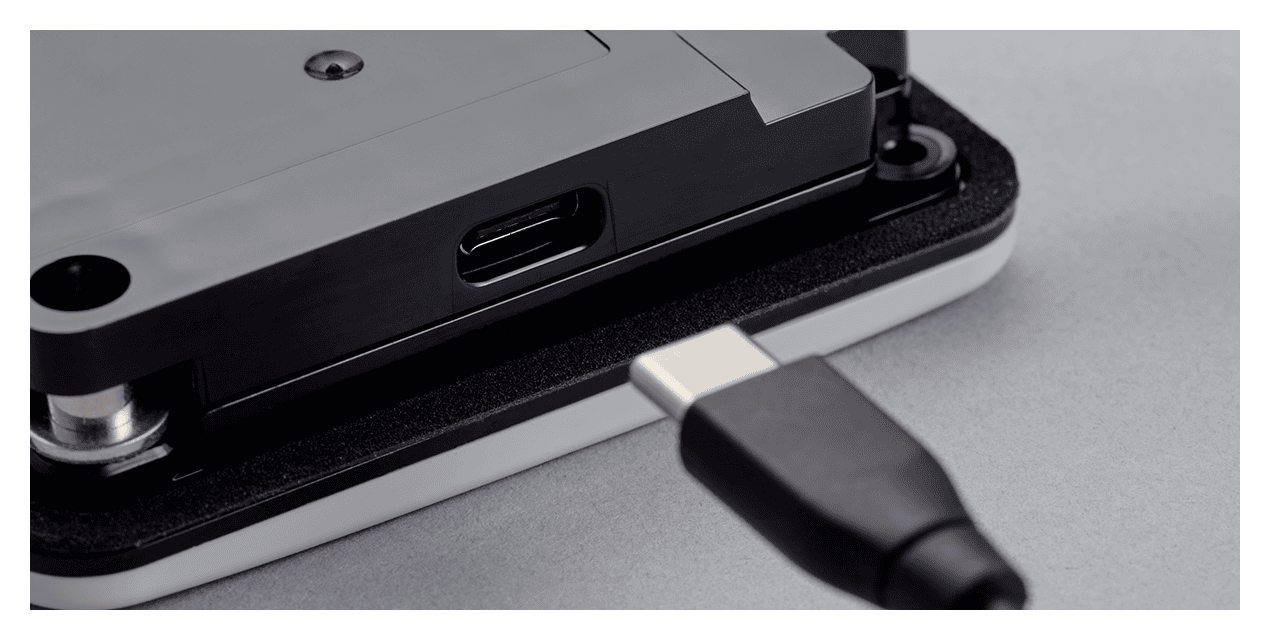
Transfer the playlist you create (ABPL file) to the product via USB Type-C*8 . No dedicated programming device is required.
Text to speech for multilingual workplaces with a single unit
Text to speech supports 10 languages: Japanese, U.S. English, German, French, Italian, Spanish, Chinese, Taiwanese, Korean, and Thai. A single unit can provide multilingual guidance and warnings.
You can also import your own MP3 and WAV files as audio clips (both mono, with a sampling frequency of 44.1 kHz). See the User Guide for detailed file specifications and instructions for creating playlists.
Applications
Play alarms, melodies, and voice messages with one unit
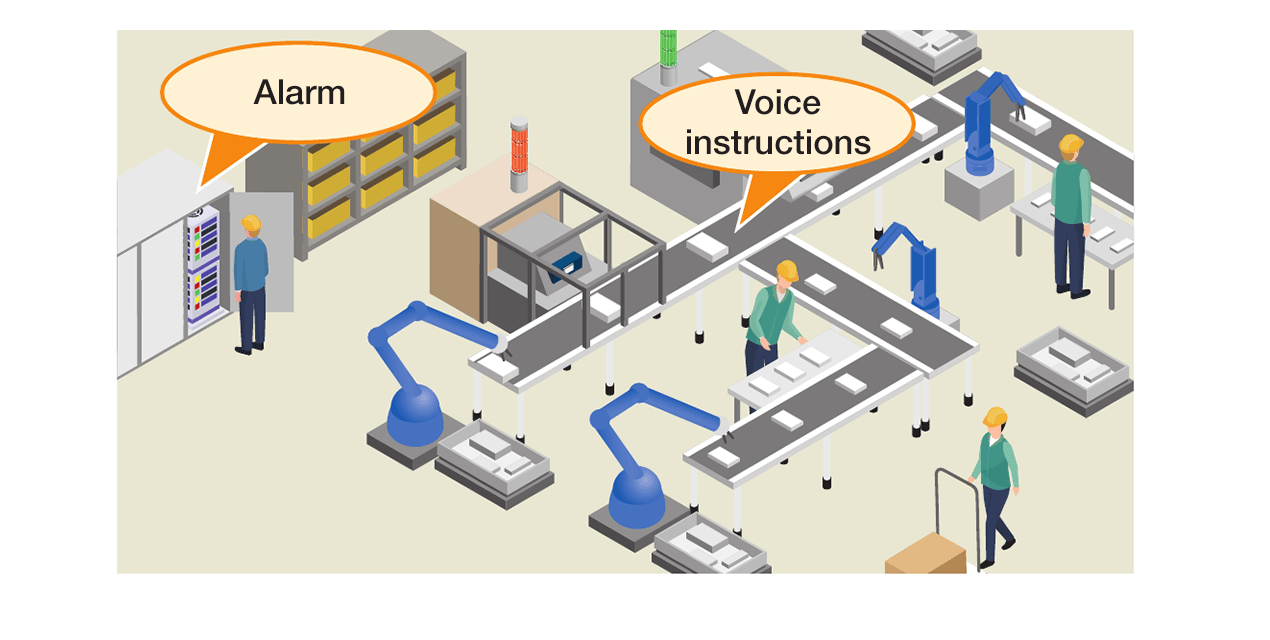
Flexibly configure alarms to draw attention and voice messages to give work instructions to suit the installation site.
Support safety around forklifts and automated guided vehicles (AGVs)
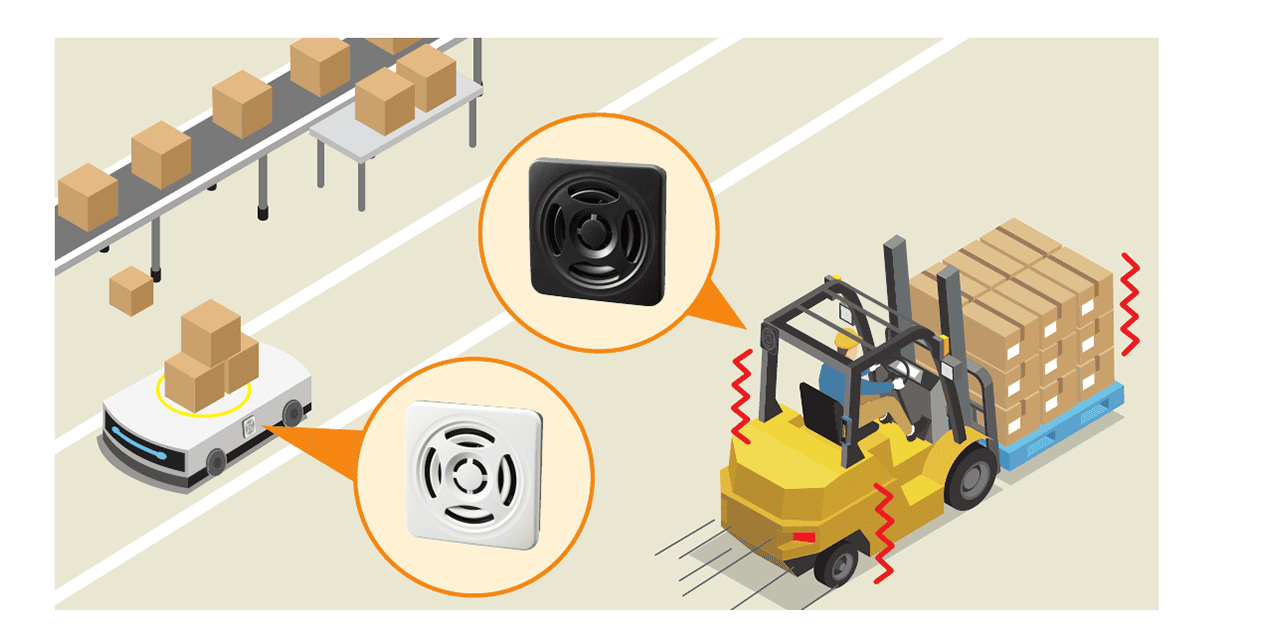
With vibration resistance of 70 m/s² and compliance with EN12895, the unit provides reliable alerts even amid vibration and electromagnetic interference around forklifts and AGVs.
- Sound pressure levels may vary depending on the content of the played sound, the usage environment, and the installation environment.
- Surface mounting is for indoor use only.
- The mounting cutout dimensions comply with IEC-61554 (DIN-43700).
- EN12895 is an international EMC standard for industrial trucks and forklifts, ensuring reliable operation even in high electromagnetic interference (EMI) environments.
- The vibration resistance rating does not apply while a USB cable is connected.
- ✔︎ indicates ON. With bit input, tracks 01–04 correspond to CH1–CH4, respectively.
- Refer to the product instruction manual for details of the alarms and melodies.
- Supported OS: Windows 10 (22H2) / Windows 11 (22H2 or later). Both must be 64-bit versions.
Model Number Configuration
Model Code

Product List
| Model | Rated Voltage | Transistor Type | Front Cover Color |
|---|---|---|---|
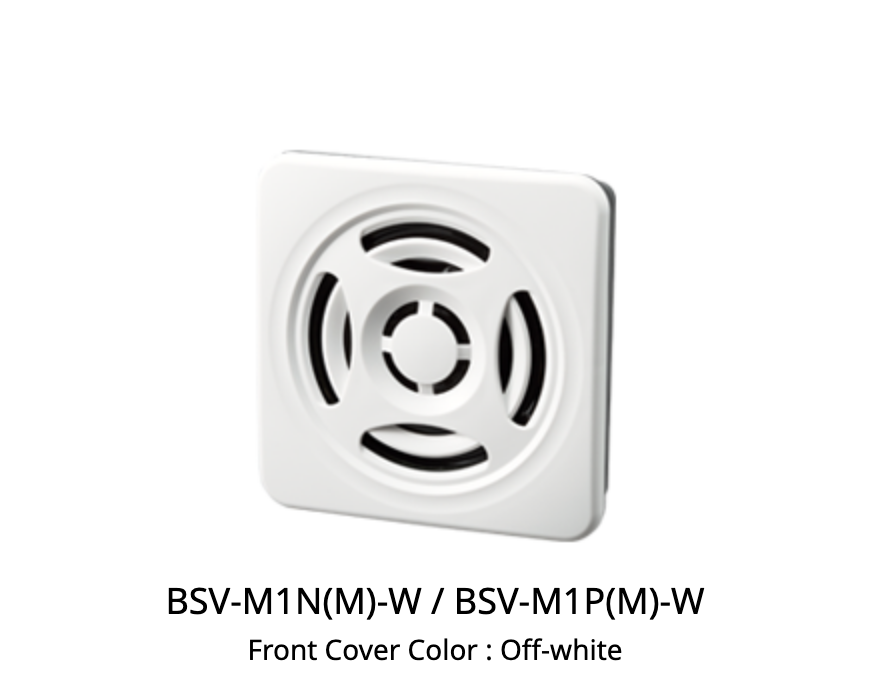
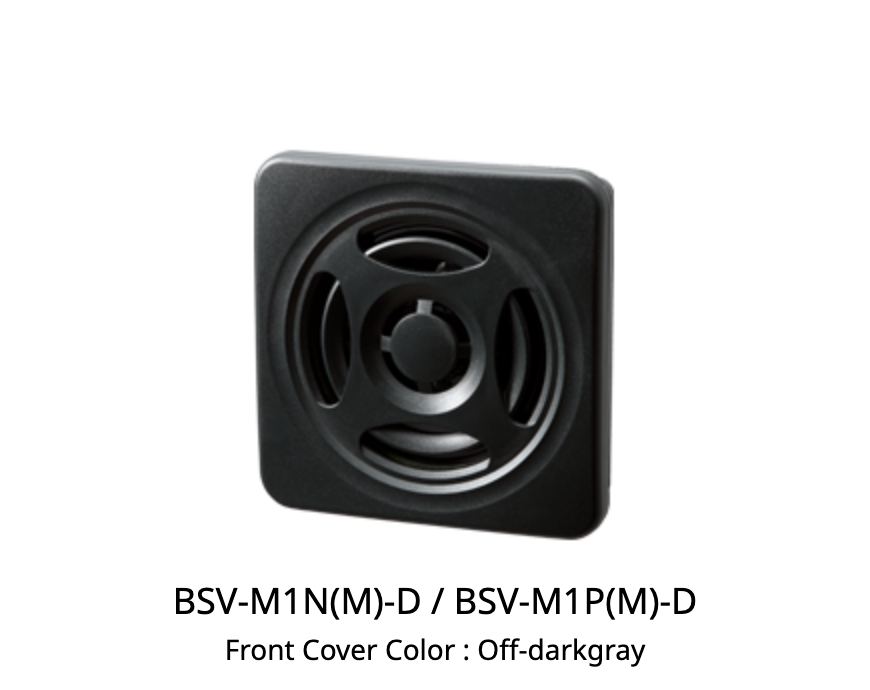
| BSV-M1N-D | 12 - 24 V DC | NPN | Off-darkgray |
| BSV-M1N-W | 12 - 24 V DC | NPN | Off-white |
| BSV-M1P-D | 12 - 24 V DC | PNP | Off-darkgray |
| BSV-M1P-W | 12 - 24 V DC | PNP | Off-white |
WEB Catalog
Instruction Manual/Specifications/Outside Drawing
(*) The download service of the data on this site is deemed to have agreed to the following "".

 Instructiom Manual[Digest Version]
 File Downloads
(*) The download service of the data on this site is deemed to have agreed to the following "".
Instruction manual
2D CAD / 3D CAD
 2D_CAD[dxf]
Product Specifications
 PATLITE Audio Builder Installer
repair parts
BSV
BSV
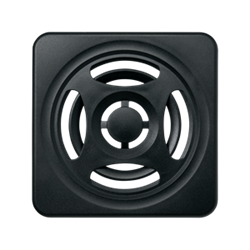
Replacement Parts
| Category | No. | Part Name | Part Number | Required Qty | Specification | Approximate time of replacement |
|---|---|---|---|---|---|---|

|
GA0010460-F1 | 1 | ||||
|
GA0010461-F1 | 1 | ||||

|
Z33552121-0308F1 | 1 |
- |
- |
TERMS AND CONDITIONS FOR DATA DOWNLOAD
1.Ownership of rights
Copyright and other intellectual property rights in the data downloadable from this site belong to PATLITE CORPORATION (“PATLITE”) or the right holders from whom PATLITE has obtained necessary licenses for the use thereof.
2.Use of data
User of this site, who also is a registered member of PATLITE Web Member, (“User”) may use the data downloaded from this site (“Downloaded Data”) at no charge and on a non-exclusive basis, only in accordance this Terms and Conditions for Data Download (“Terms”).
3.Purpose
The data disclosed on this site (“Disclosed Data”) and Downloaded Data may be used only for the following purposes:
- Messages, melodies, alarm sounds and other audio data (“Audio Data”) or software data (“Software Data”) Users of PATLITE products may transfer Audio Data and/or Software Data to PATLITE products and run such data on PATLITE products only.
- CAD data of PATLITE (the “CAD Data”) or PATLITE product specification data
(the“Products Specification Data”)Users of PATLITE products may consult such data as a point of reference in order to repair or renew PATLITE products. The data may also be used by prospective buyers of PATLITE products for evaluation.
4.Prohibited acts
- Downloaded Data may not be, among other things, reproduced, modified, altered, decomposed, disclosed, replicated elsewhere, assigned, or loaned in whole or in part.
- Audio Data may not be used for any purpose other than the purpose stimulated in the Article 3; Audio Data must not be used with non PATLITE products.
- Software Data may not be used for any purpose other than the purpose stimulated in the Article 3; Software Data must not be used with non PATLITE products.
5.Notes on Disclosed Data and Downloaded Ddata
Please acknowledge the followings before using Disclosed Data and/or Downloaded Data,
- Not all models released by PATLITE in the past are disclosed as Disclosed Data on the site.
- Some products included in Disclosed Date may have been discontinued or may otherwise be no longer available for sale.
- Disclosed Date consist of data originally available at the time of the release of the corresponding products.
- PATLITE reserves the right to determine the type and content of Disclosed Date and the period of availability.
- Software Data is not supported by all computer appliances. Some computer appliance may not import Software Data in part or in whole.
- CAD Data do not warrant specification and/or performance of the corresponding products.
- PATLITE makes no warranty as to the consistency of the values extracted from the drawings contained in CAD Data with actual products.
- The CAD Date is provided as an intermediate file format for exchanging CAD data and is not supported by all applications. Some CAD applications may fail to import data in part or in whole.
- In case User plans to export, carry out of Japan, or provide to a non-resident Downloaded Data directly or indirectly, User must comply Foreign Exchange and Foreign Trade Act of Japan, US Export Administration Regulation and any other applicable laws and acts and must take all necessary procedure.
6.Downloading CAD data
- PATLITE makes no warranty as to the consistency of the values extracted from the drawings contained in such data with actual products. For specifications and dimensions of a product, please refer to product specifications.
- 2D data are provided in DXF format (Ver.R12/L12)
-
3D data are provided in one of the three formats described below:
A. IGES format;
B. STEP format; or
C. PARASOLID format.
7.Downloading Product Specification Data
Safety Precautions for the use of PATLITE products are included in Product Specification Data or described in a separate hard-copy attachment contained in the product box or carton. Products Specification Data available on this site, however, only contains product specification data, and no information printed on such separate attachment is available on this site. Safety Precautions” contained in Product Specification Data are subject to change to reflect changes in legal requirements, but the Safety Precautions contained in the Product Specification Data are those issued in conformance with the legal requirements that prevailed at the time of initial release of the product and may not be the most current. Inquiries regarding Safety precautions” should be directed to PATLITE’s customer service desk.
8.Termination or change of downloading service
Services available on this site are subject to withdrawal, and the content and conditions of such services are subject to change without notice. PATLITE further reserves the right to revise the Terms without notice. Revised Terms, if any, will take effect and apply to all use of downloading services immediately upon PATLITE’s announcement of such revised Terms on this site.
9.Termination of utilizing agreement
PATLITE may terminate the utilizing agreement available under the Terms with User, in the event PATLITE finds that the User has violated any provision of the Terms when he or she uses the service offered on this site, or has committed any act that constitutes a breach of public order/morals or other laws, or has defamed PATLITE or has committed any act which are likely to cause damage to PATLITE in connection with the use of the services available on this site. In such case, the User shall immediately stop using all of the Downloaded Data. This provision also applies in the case when User loses his or her status as a PATLITE Web member.
10.Limitation of Liability
PATLITE shall not be liable to Users for any direct or indirect damages resulting from the use or loss of use of the services available on this site (including, but not limited to damages caused by damaged data, suspended operation and loss of business information), even in circumstances that the likelihood of damage or third party claims for compensation are known in advance.
